
Run every wedding,
beautifully.
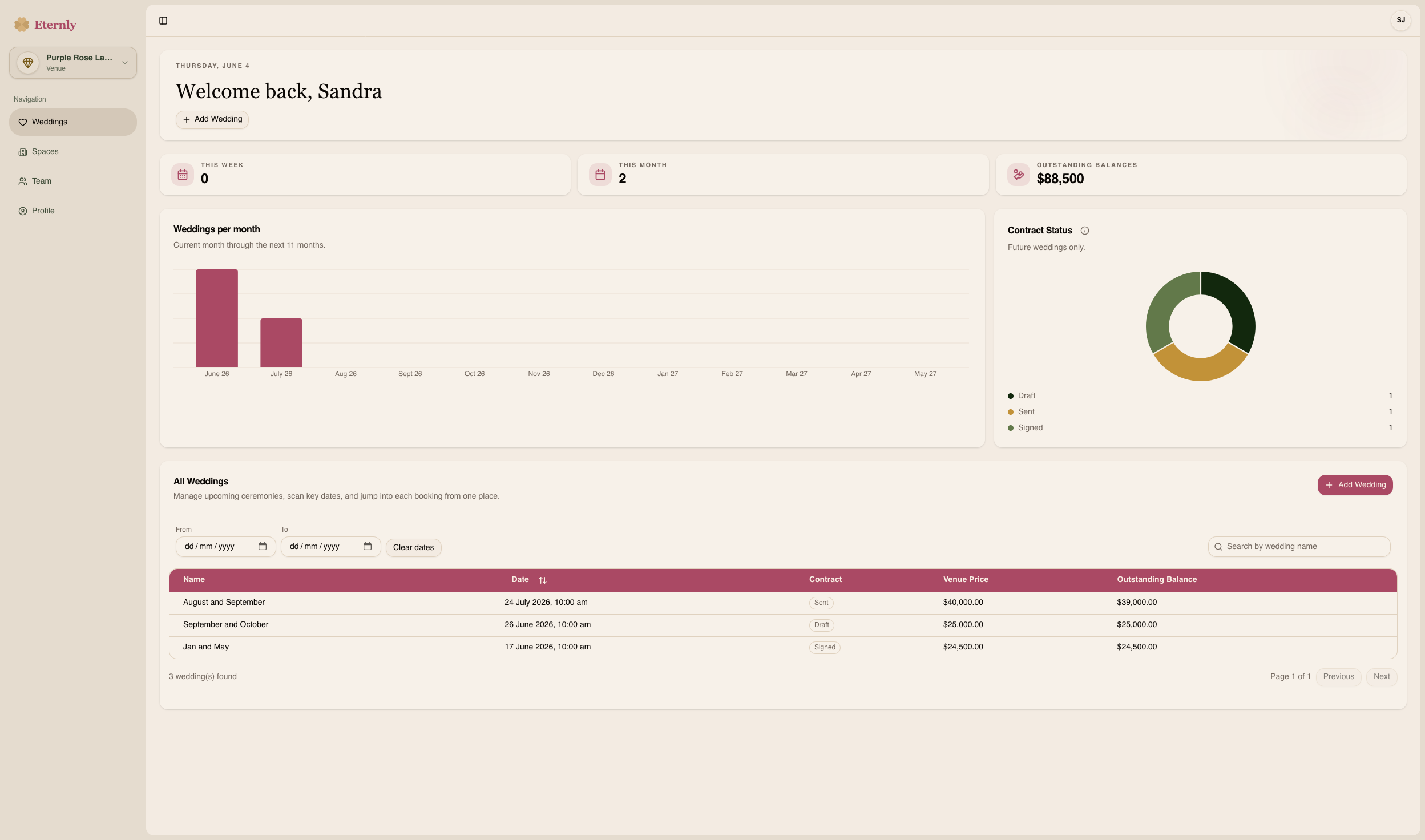
Manage every wedding from one central hub. No more chasing couples for guest lists, re-sending documents to vendors, or juggling spreadsheets. Every upcoming booking, visible at a glance.
Everything a venue needs in one place.
Live Guest Management
See RSVPs update in real-time. Final headcounts, dietary notes, and guest details, always current.
Vendor Coordination
Invite vendors, share briefs, and keep every supplier in sync. No email threads required.
Day-of Scheduling
Build the run sheet once and share it with every person in the right format, automatically.
Shared Wedding Updates
Keep couple and vendor updates attached to each wedding, so everyone works from the latest details.
Reporting & Insights
Track booking volumes, headcounts, and upcoming events at a glance from your venue dashboard.
Payment Logging
Log payments, track balances, and keep everyone informed. No chasing anyone for updates.
Internal Notes
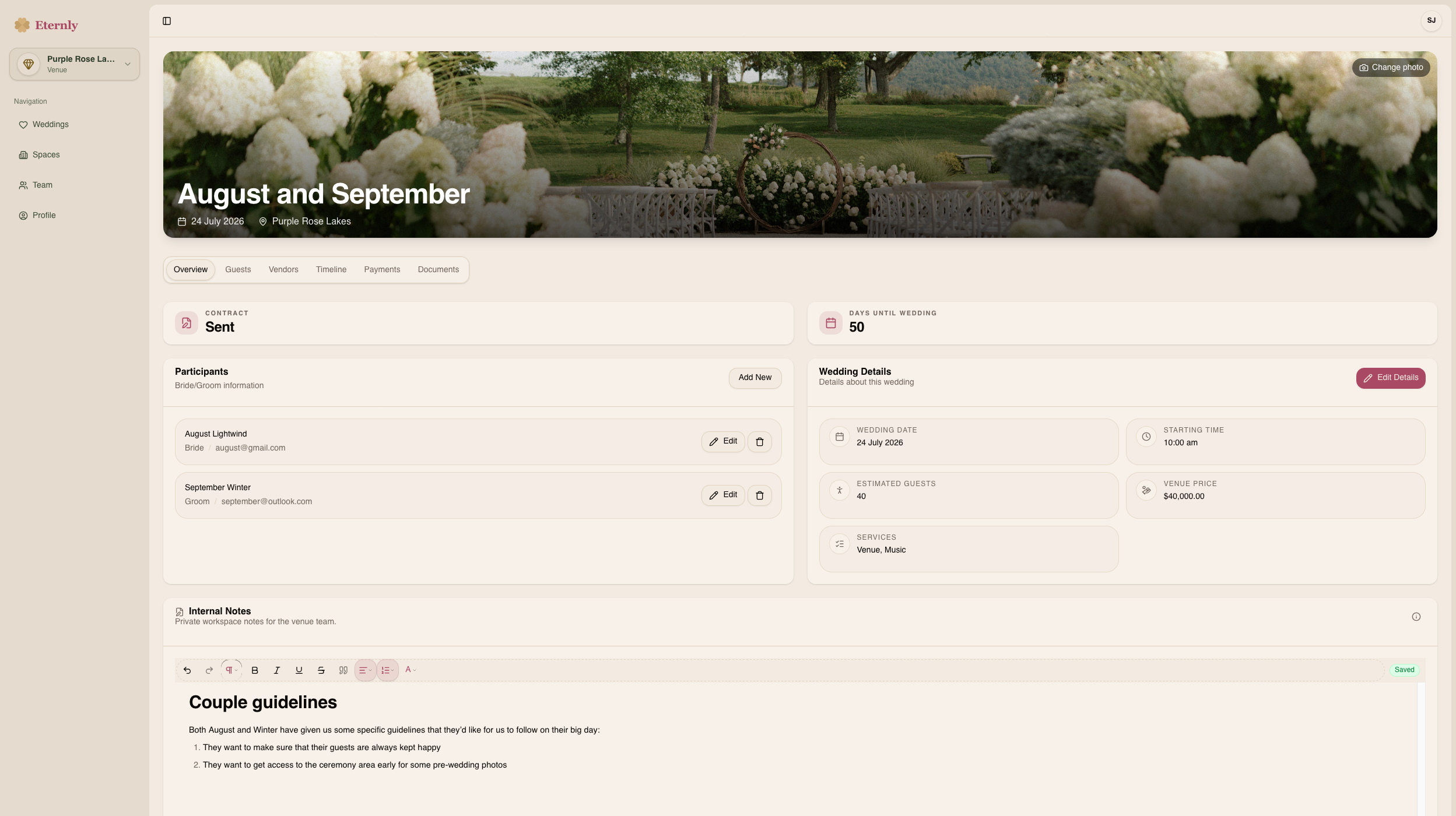
Keep important wedding notes exactly where they belong: inside the wedding, not buried in your inbox.
Document Storage
Contracts, run sheets, and key documents, uploaded once and accessible to all.
A better experience for everyone your venue hosts.
Eternly does more than tidy up your operations. It gives every couple, vendor, and guest a calmer planning experience, with the latest wedding details in the right place from booking to big day.
Your team stays in control
Every wedding file keeps guest counts, vendor details, payments, notes, documents, and schedules together, so your team always knows what is current.
Couples feel looked after
Couples get a clear place to see their guest list, schedule, venue notes, documents, and latest updates without chasing your team.
Vendors and guests stay aligned
Vendors get the details relevant to their role. Guests get RSVP, venue, and day-of information without extra back-and-forth.
One Wedding File runs the day.
Create the wedding once, invite the right people, and keep every update attached to the same file from booking to big day.
Set up the wedding
Add the couple, key dates, venue notes, documents, and the details your team needs from day one.
Bring everyone into the file
Invite vendors and share the guest list, run sheet, documents, and updates relevant to each role.
Run the day from one source
As details change, update Eternly once. Your team, couple, vendors, and guests stay aligned.
Everything you need to know.
Quick answers to the most common questions about Eternly for venues.